 Call Professional Mentor

Author

Search Engine Optimization (SEO) is essential for improving your website’s visibility on search engines like Google. If you’re new to SEO, this guide will walk you through the basics and provide a handy checklist to get started. SEO for Beginners
What is SEO?
SEO is the process of optimizing your website to rank higher in search engine results pages (SERPs). The better your SEO, the more organic (free) traffic you get.
Why is SEO Important?
✔ Increases website visibility
✔ Drives targeted traffic
✔ Builds credibility & trust
✔ Cost-effective compared to paid ads
SEO Checklist for Beginners
1. Keyword Research (The Foundation of SEO)
✅ Find relevant keywords using tools like:
- Google Keyword Planner
- Ubersuggest
- AnswerThePublic
✅ Target long-tail keywords (e.g., “best running shoes for flat feet” instead of “running shoes”)
✅ Check keyword difficulty (Aim for low-competition keywords first)
2. On-Page SEO (Optimizing Your Content)
✅ Title Tag – Include primary keyword (under 60 characters)
✅ Meta Description – Engaging summary with keyword (~155 characters)
✅ URL Structure – Short, readable, and keyword-rich (e.g., yoursite.com/seo-for-beginners)
✅ Header Tags (H1, H2, H3) – Organize content with keywords
✅ Keyword Placement – Naturally include keywords in content (avoid stuffing)
✅ Internal Linking – Link to other relevant pages on your site
✅ Image Optimization – Use descriptive alt text & compress images
3. Technical SEO (Website Health)
✅ Mobile-Friendly Design – Google prioritizes mobile-first indexing
✅ Page Speed – Use Google PageSpeed Insights to improve load time
✅ SSL Certificate – Ensure your site has HTTPS (secure connection)
✅ XML Sitemap – Helps search engines crawl your site
✅ Robots.txt – Controls which pages search engines can access
4. Off-Page SEO (Building Authority)
✅ Backlinks – Get high-quality links from reputable sites
✅ Guest Blogging – Write for other blogs in your niche
✅ Social Media Sharing – Promote content on platforms like LinkedIn, Twitter, Facebook
✅ Local SEO (If applicable) – Claim Google My Business listing
5. Content Quality (King of SEO)
✅ Write for users, not just search engines
✅ Use engaging, informative, and original content
✅ Update old posts to keep them relevant
✅ Add multimedia (videos, infographics, images)
6. Track & Improve (SEO Analytics)
✅ Google Search Console – Monitor search performance
✅ Google Analytics – Track traffic, bounce rate, user behavior
✅ Check rankings – Use tools like SEMrush or Ahrefs
✅ Fix broken links – Use Screaming Frog to find 404 errors
Common SEO Mistakes to Avoid
❌ Keyword stuffing – Overusing keywords unnaturally
❌ Ignoring mobile optimization
❌ Slow page speed
❌ Duplicate content
❌ Neglecting backlinks
Free SEO Tools to Get Started
- Google Analytics & Search Console (Tracking)
- Ubersuggest (Keyword Research)
- Yoast SEO (WordPress Plugin)
- PageSpeed Insights (Speed Optimization)
- Screaming Frog (Technical SEO Audit)
Final Thoughts
SEO takes time, but following this checklist will help you build a strong foundation. Start with keyword research, on-page optimization, and technical fixes, then gradually work on backlinks and content updates. SEO for Beginners
Pro Tip: SEO is always evolving—stay updated with Google’s algorithm changes!
Need help with SEO? Drop your questions in the comments! 🚀
SEO #DigitalMarketing #SEOforBeginners #SearchEngineOptimization #MarketingTips
What is E-E-A-T in SEO? Core Concepts
What is E-E-A-T in SEO? Benefits & Fundamentals for Digital Marketing What is E-E-A-T in…
Learn Technical SEO Quizzes Online
Technical SEO focuses on optimizing a website’s structure, speed, and performance so search engines can…

Ad Campaign Academy Manipur Digital Marketing Course
Ad Campaign Academy, Manipur – Build Your Digital Marketing Career in 3 Months! Looking to…

Career in Digital Marketing for Students | Scope, Skills & Opportunities
A Promising Career in Digital Marketing for Students In today’s fast-changing digital world, digital marketing…
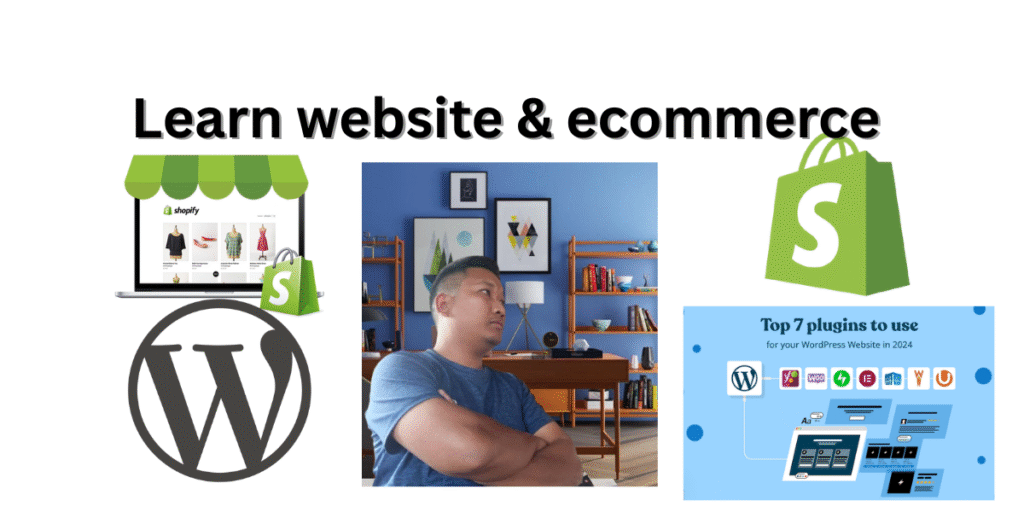
Learn WordPress & Shopify: Build a Career
Learn WordPress & Shopify: For a Career or as a Business Entrepreneur In today’s digital-first…
Digital Marketing Certification Exam (covering SEO, SEMrush, Google Ads, Meta Ads, HubSpot, etc.)
Digital Marketing Certification Exam Summary The Digital Marketing Certification Exam is designed to assess knowledge…